
News, Announcements and Other similar items
These items don't need to be created as separate pages, or even as part of existing pages, and may not need any HTML usage at all, or even assigning a page reference (URL). Using the Drupal Story concept will automatically ensure that each such item will appear as a separate item in the RSS feed. It is assumed that none of these items need to appear in the navigation menu.
In the Administer page go to Create content->Story (or use http://www.britgo.org/node/add/story) and then:
- Title
should include the word Tournament or Teaching Event if it is one (this duplicates the News type, but it appears in the RSS feed item)
- News Type
Always select the correct one (as this means that you can see all items of the same type together)
- Tournament Date
This and the following three fields should not be used except for Tournament Reports and perhaps Diary entries. The To Date should only be entered for a tournament/event over multiple days
- Tournament Type
Can be ignored
- Venue
Could be omitted, but it's desirable to have at least the town and postcode
- Body
Assumes the Input format defaults to Markdown (if not then change it):
- Diary Entries should be entered as (mmm is Month and YY year)
[Diary Entry added or updated](/tournament/index.html#mmmYY) - Tournament results should be entered as
[Results added](/results/year/name.html) - Other Site Updates should be entered as
[xxxx added](/page.html) - Any text can be used for all other News Types, with an internal britgo.org link being entered simply as
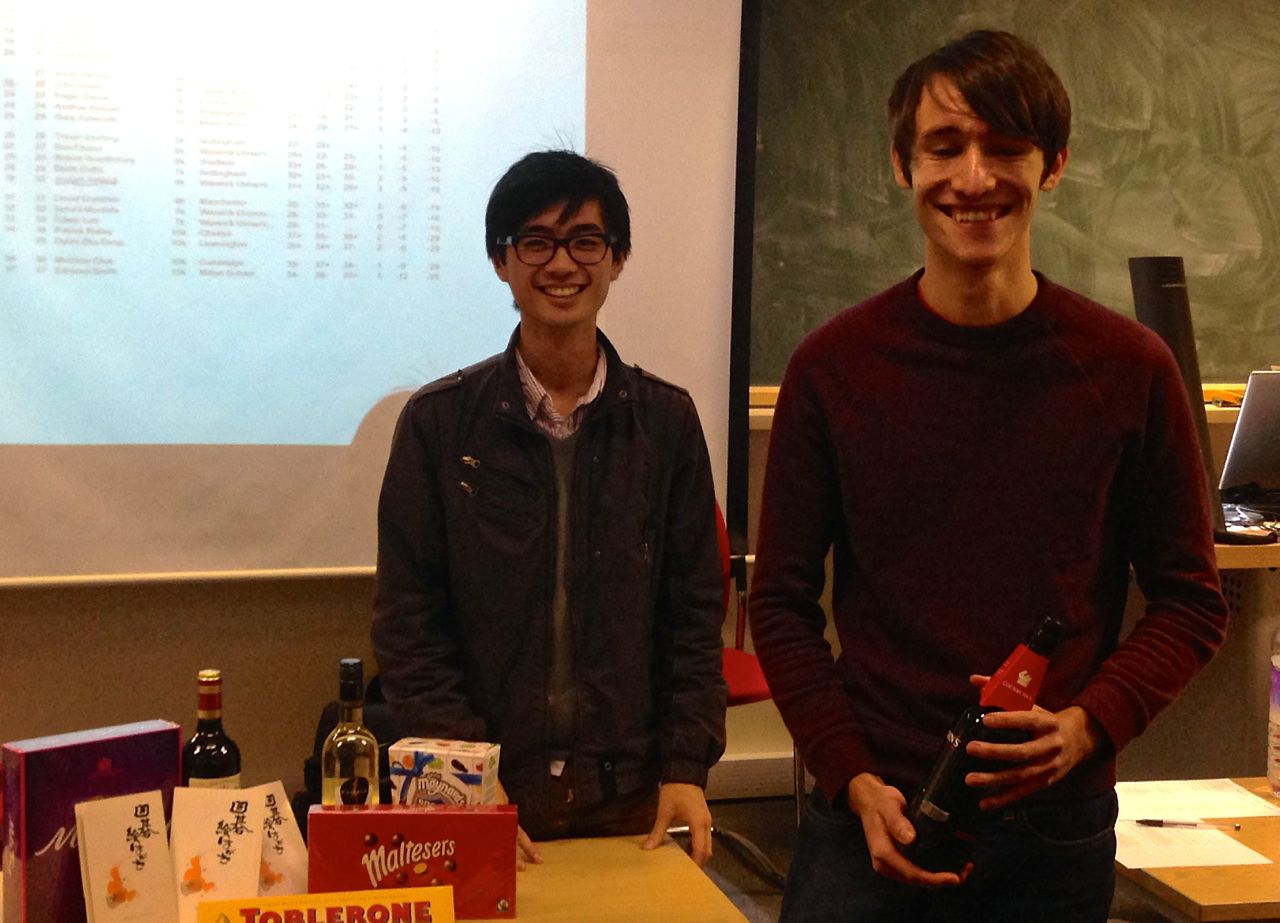
[text](/ref) - It's highly desirable to include a picture of some kind. The following can be used as a template to display a picture on the right of the page with text wrapping around it:
<img src="/files/tournaments/coventry2013.jpg" width="40%" class="float right">
- Diary Entries should be entered as (mmm is Month and YY year)
- All other options should normally be the defaults (URL path settings and Menu settings do not need to be used except in exceptional circumstances).
- In the event of doubt the Publishing options should be
Promote to Front Page (creates an RSS entry)
- ALWAYS PREVIEW BEFORE SUBMITTING because it is liable to be sent out almost immediately and therefore any further change may not be seen by all recipients
- When you're happy with what it looks like then press SUBMIT
That's it
- There's no need to create a URL reference, unless this needs to be referred to from a menu, as Drupal handles all the internal references.
- The list of new news items is generated automatically.
- If you need to create another kind of link to this item then you can use /node/NNNN as the reference, rather than having to use a .html one.
If you have any comments, please email the webmaster on web-master AT britgo DOT org.